Key takeaways
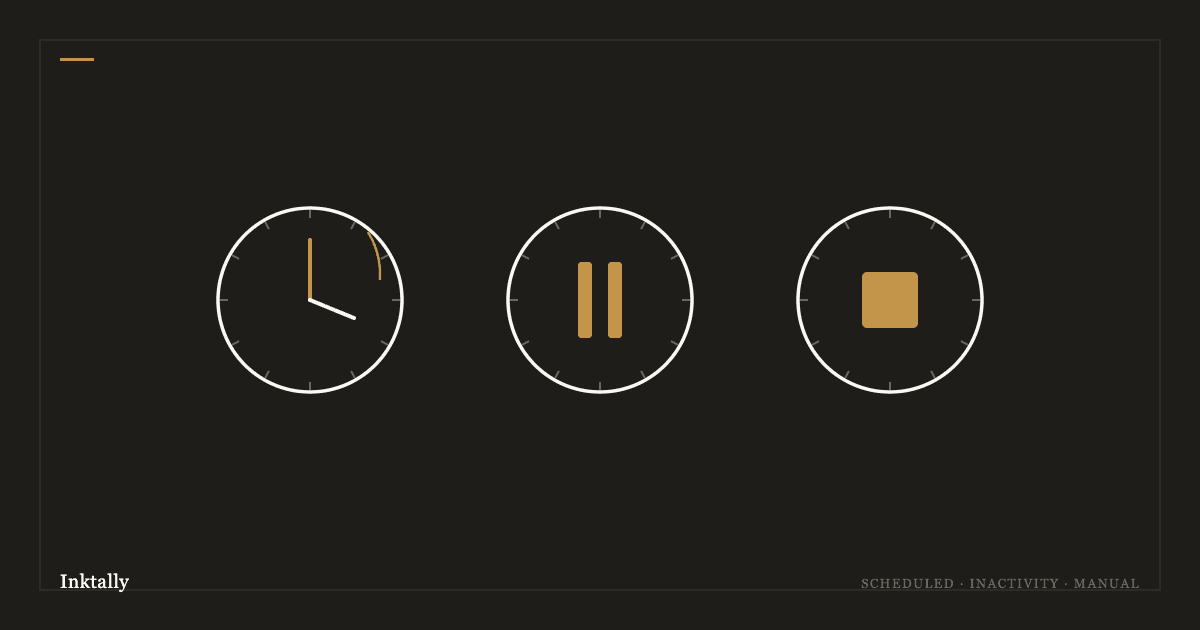
- Scheduled triggers fire on an absolute date; inactivity triggers fire after a silence window you configure
- A cooling-off window lets you cancel any trigger up to several hours after it fires
- Manual release requires your explicit confirmation and cannot be initiated by a third party
- The free plan supports one trigger; Pro unlocks scheduled, inactivity, and manual together
A trigger is the rule that says “when this condition is met, release these items to these recipients.” Inktally supports three kinds. Choosing correctly depends on what you are trying to accomplish and how certain you are about when things should happen.
Manual release
The simplest: you press a button. From the Triggers page, you initiate a release whenever you choose. A cooling-off window starts; during it, recipients are notified of a pending release and you can abort. After the window elapses, recipients are sent claim links.
Manual is right when you know the moment: handing off passwords after a major surgery, sharing instructions at the start of a long trip, transferring documents at the conclusion of a legal matter. No automation, no guessing — you decide, you press, it happens.
Scheduled date
Set a specific future date. On that date, the release fires exactly as if you had pressed the manual button — cooling-off window and all. We send you a reminder email 7 days before.
Scheduled is right for time-specific events: a birthday letter, an anniversary note, instructions for a specific future date. It is also useful as a backstop for situations with known timelines, like a legal proceeding with a fixed end date.
Tip
You can adjust or cancel a scheduled trigger at any time before it fires. Setting it early and adjusting later is better than waiting until the last moment.
See this in practice.
Your vault is encrypted before it leaves your device. Inktally never sees your keys.
Try Inktally freeDead-man's switch
Configure an inactivity window (e.g., 30 days) and a miss count (e.g., 2 consecutive misses). If you do not check in within window × misses days of your last check-in, the trigger fires. Checking in — a single tap or click — resets the clock.
The dead-man's switch is the trigger for the primary continuity case: if something happens to you unexpectedly, your recipients eventually receive what you left them, without anyone having to make a decision or take an action on your behalf. It fires silently and automatically.
Push notifications and email reminders fire before each window closes, so a holiday or hospital stay does not accidentally trigger a release. You can check in late — up to the moment the grace period expires — and nothing is sent.
The cooling-off window
All three trigger types share a cooling-off window between the trigger condition being met and the release completing. During the window, you and any nominated recovery contacts receive notifications. You can abort the release entirely with a single sign-in. The window defaults to 48 hours and is configurable per trigger.
The cooling-off window is the safeguard that turns an accidentally triggered release into a recoverable situation rather than an irreversible one. Set it to match your risk tolerance: longer windows give more time to notice and abort; shorter windows mean faster delivery when the trigger genuinely fires as intended.